Clearfell Clearing
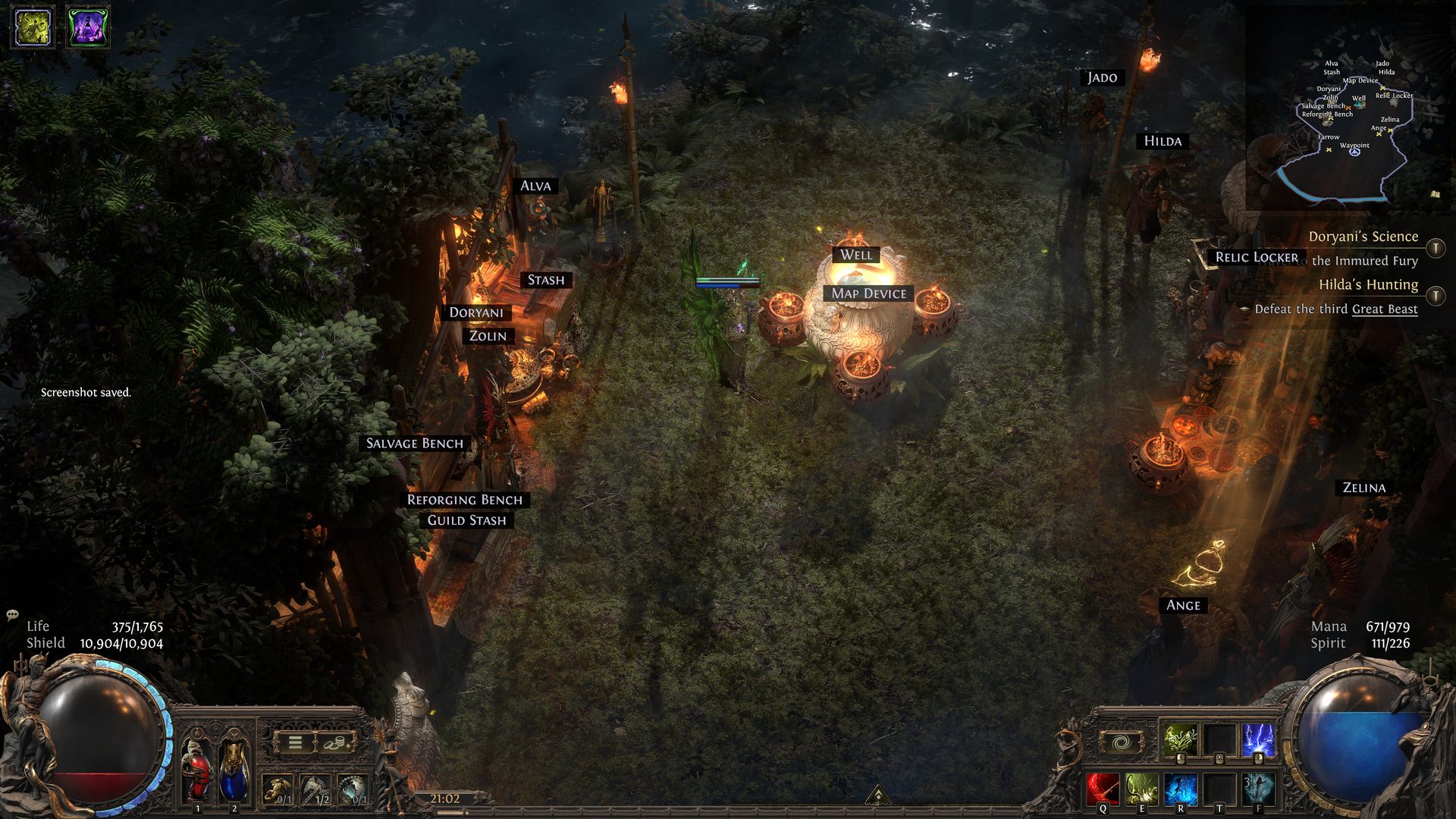
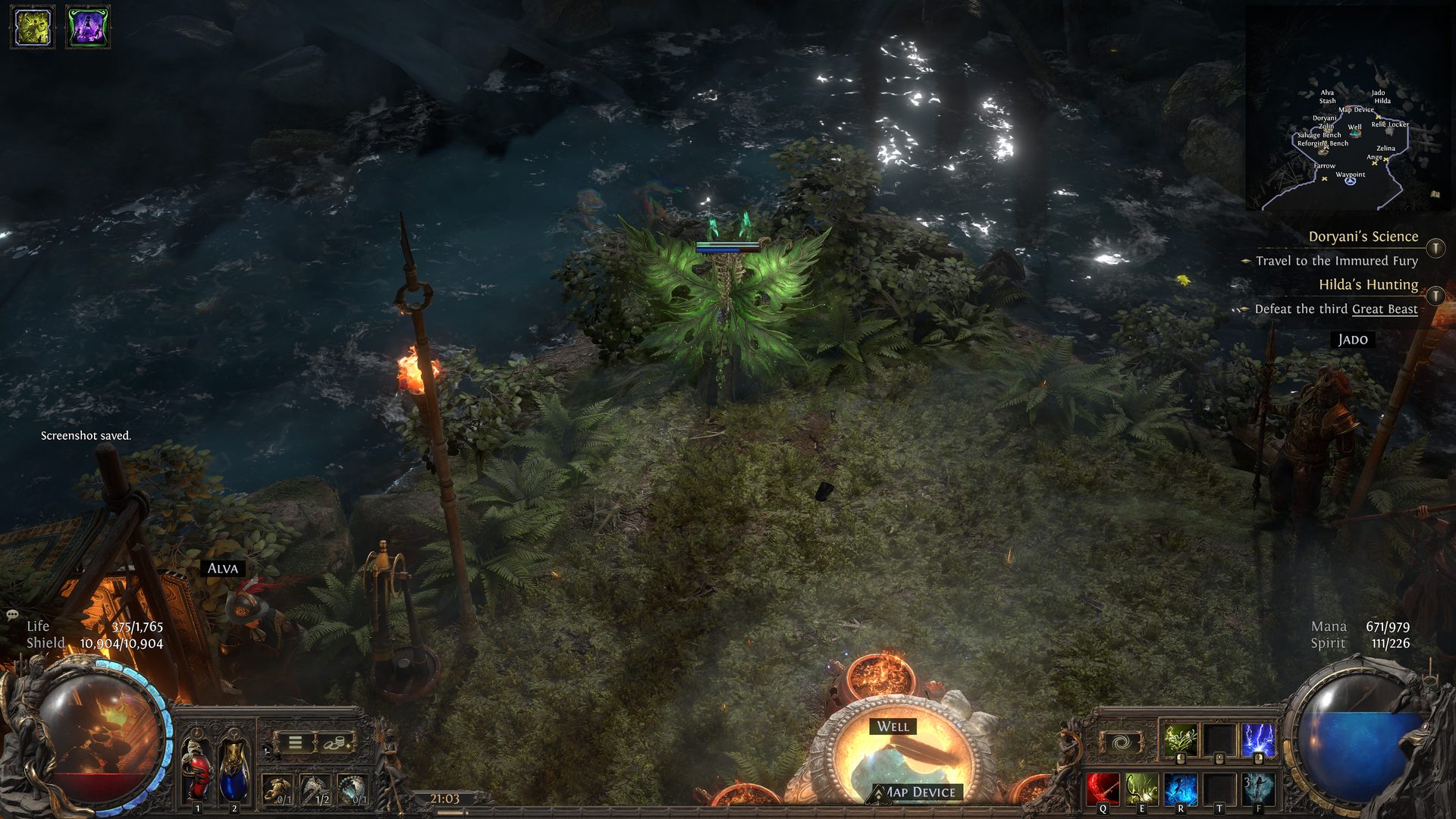
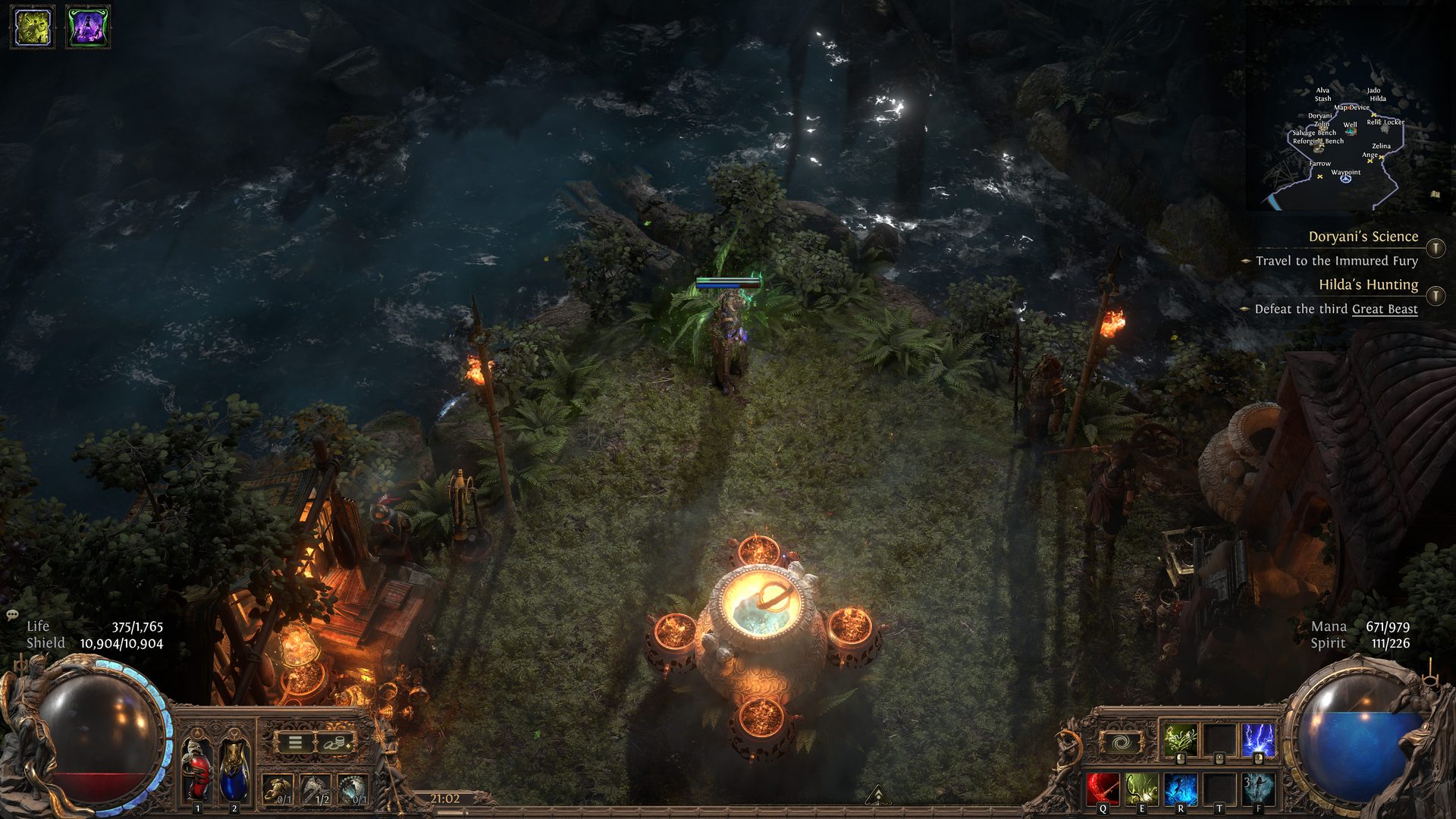
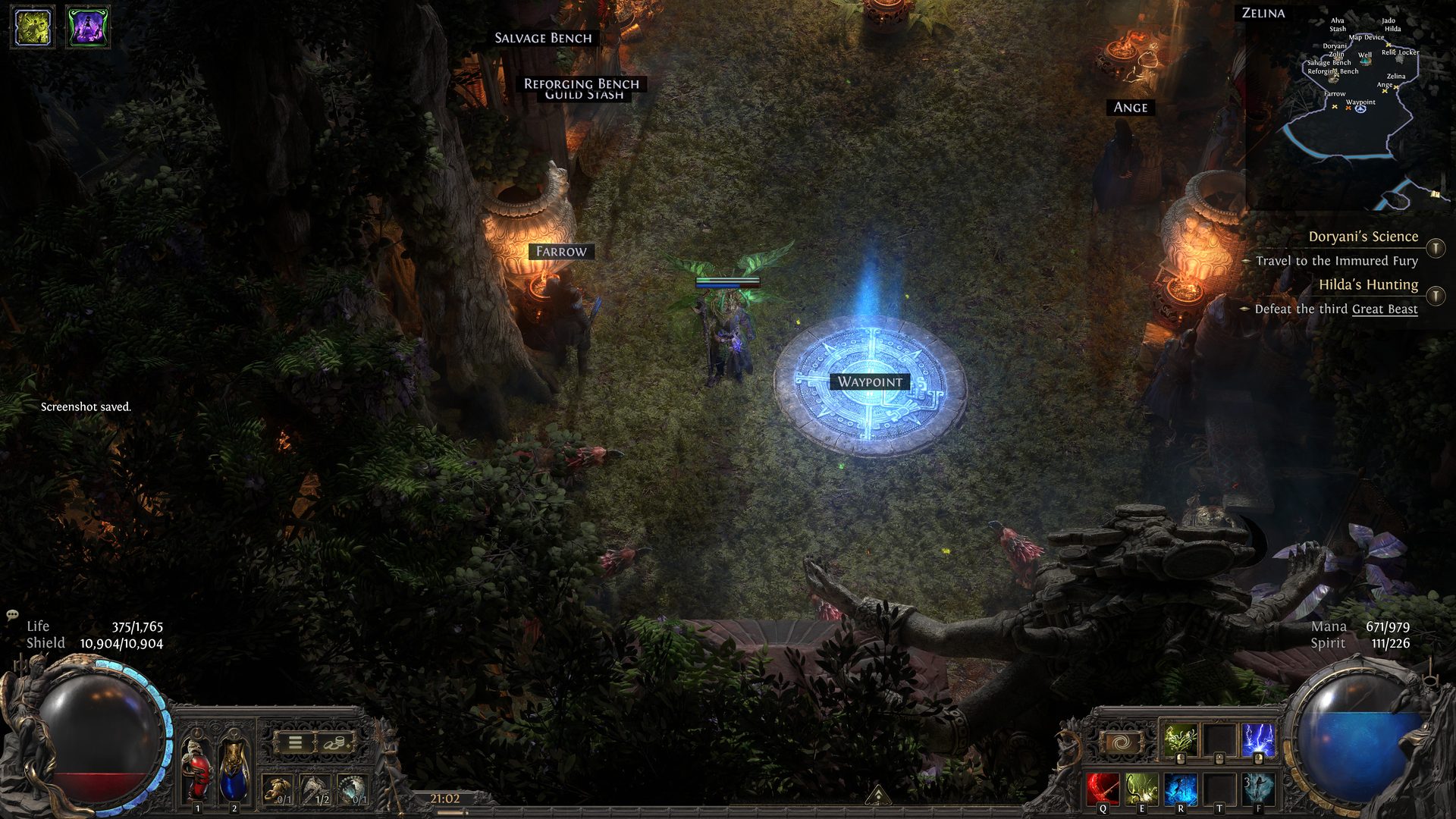
Creator's Description
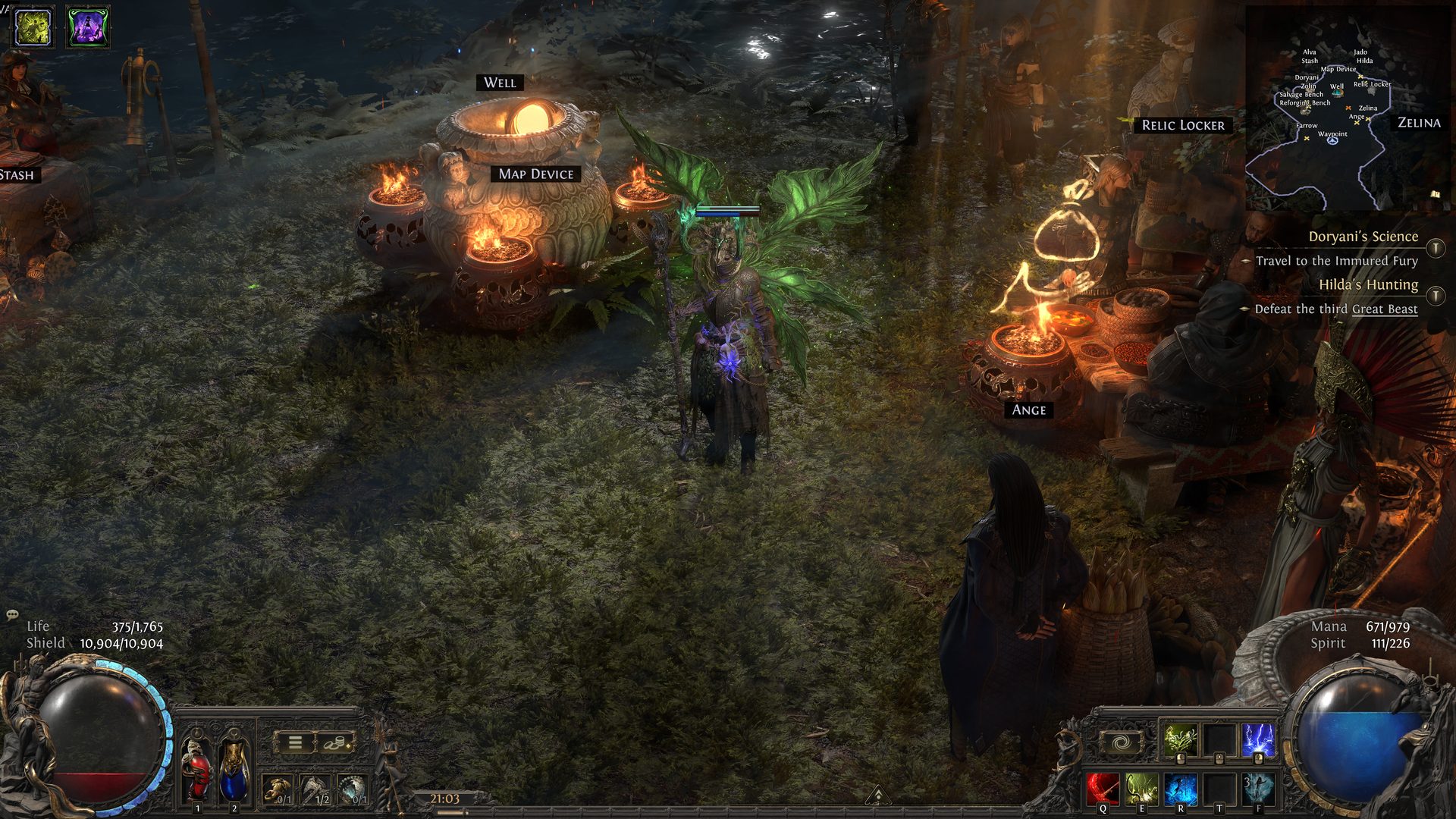
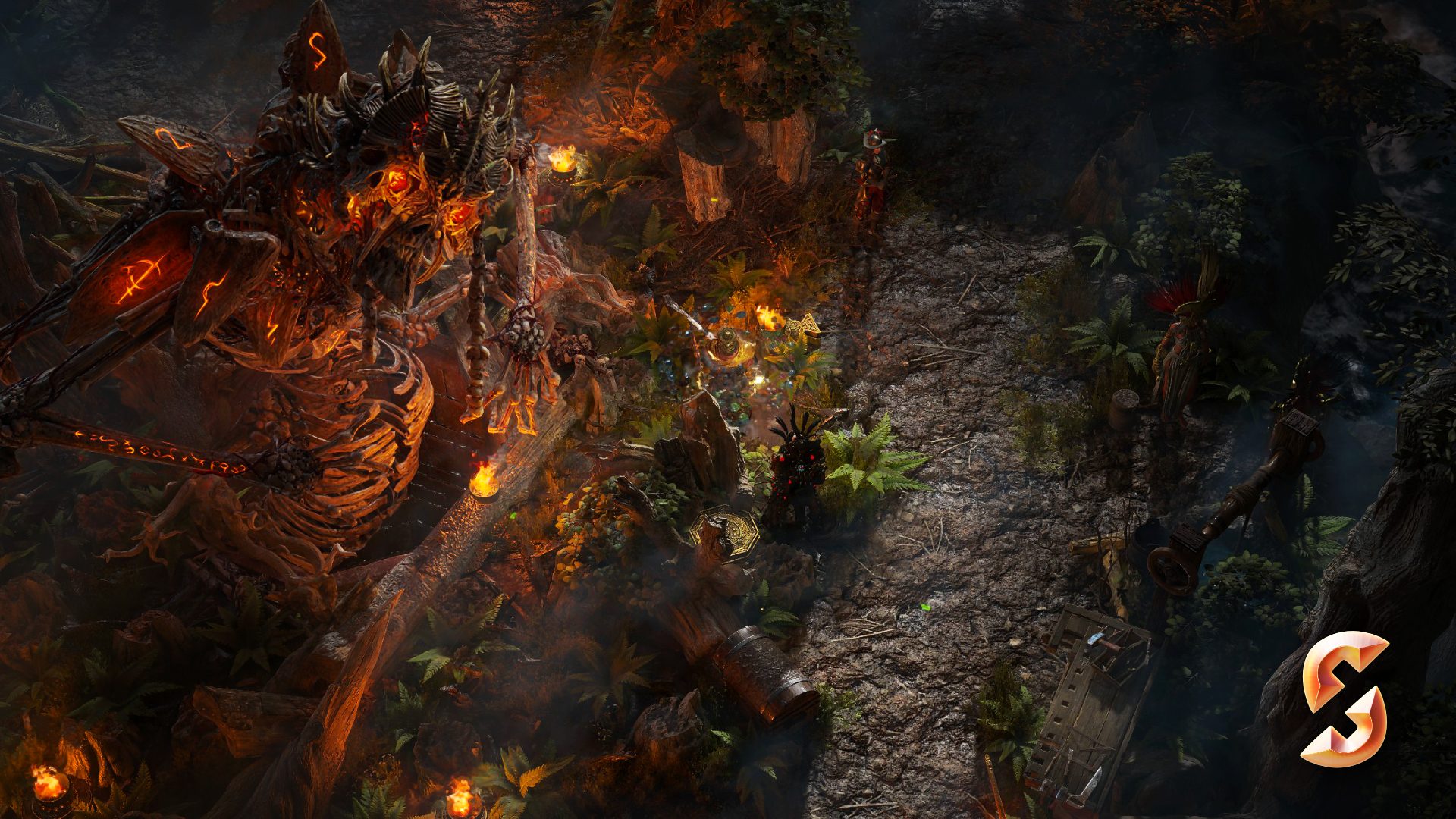
After the cleansing of Ogham and the count Clearfell has started to recover. You find a quant shrine down the river to setup camp and pursue the beast across Wraeclast.... while keeping a slice of tranquillity at home
Decorations Used
664 Total Placed
Contains Premium MTX
-
3x Faridun LightsExclusive MTX
↳ The Dreadnought Hideout (King of the Faridun) -
1x Twilight Market StallExclusive MTX
↳ Beacon of Salvation Hideout (Liberator of Wraeclast) -
5x Twilight Potted TreeExclusive MTX
↳ Beacon of Salvation Hideout (Liberator of Wraeclast) -
1x Twilight TelescopeExclusive MTX
↳ Beacon of Salvation Hideout (Liberator of Wraeclast) -
4x Twilight TreeExclusive MTX
↳ Beacon of Salvation Hideout (Liberator of Wraeclast)
-
1x AlvaFree
-
1x AngeFree
-
1x Atziri StatueFree
-
57x Beech TreeFree
-
1x DannigFree
-
1x DoryaniFree
-
1x FarrowFree
-
7x Forest FernFree
-
400x Fringe MossFree
-
1x Guild StashFree
-
1x GwennenFree
-
1x HildaFree
-
1x JadoFree
-
49x Large Forest TreesFree
-
7x Leaf PileFree
-
1x Long GrassFree
-
2x Maraketh BallistaFree
-
11x Maraketh BarricadeFree
-
4x Maraketh ChestFree
-
8x Maraketh DecorFree
-
25x Maraketh Fire PotFree
-
4x Maraketh GuardFree
-
8x Maraketh Incense BurnerFree
-
5x Maraketh PavilionFree
-
4x Maraketh PillarFree
-
4x Maraketh RhoaFree
-
1x Maraketh SpireFree
-
3x Maraketh TreasureFree
-
1x Reforging BenchFree
-
1x Relic LockerFree
-
1x RogFree
-
2x Rugged Wood PileFree
-
1x Salvage BenchFree
-
1x Scattered FruitFree
-
1x StashFree
-
1x TujenFree
-
8x Vaal BenchFree
-
3x Vaal Market ClustersFree
-
5x Vaal Market FishFree
-
1x Vaal Market Stalls CoverFree
-
3x Vaal Market TableFree
-
2x Vaal Potted PlantsFree
-
2x Vaal Small Market TableFree
-
1x Verisium AnvilFree
-
1x Wardrobe DecorationFree
-
1x WaypointFree
-
1x WellFree
-
1x ZelinaFree
-
1x Ziggurat Map DeviceFree
-
1x ZolinFree
- Game Version PoE 2
- Base Layout
-
Tags & Characteristics
Discussion (0)
Join the conversation!
Log in to commentNo comments posted yet. Be the first to start the conversation!